
Your Library, Sorted
Sort your whole library into clean, browsable albums.
In the app·Photos
 Coming soon on theApp Store
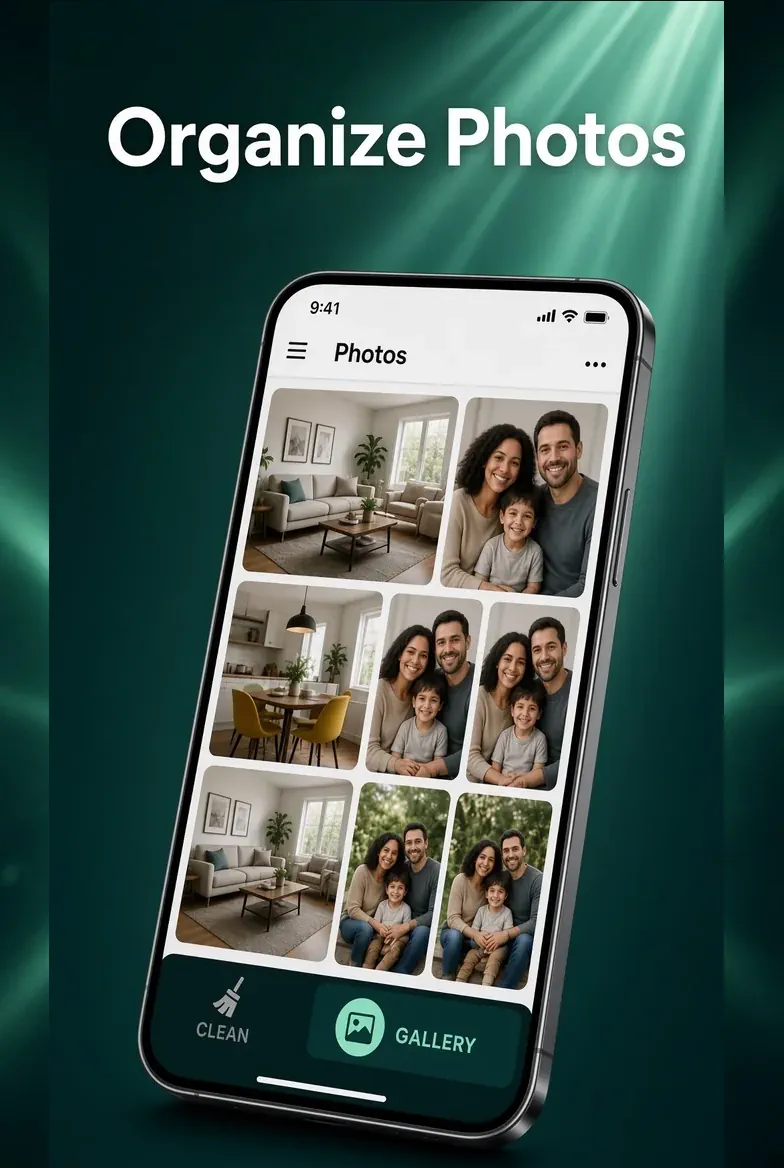
Walkthrough
Select, sort, and file — still on this phone.
A month-grouped library with a bar for albums, sharing, and the Vault. Nothing is uploaded.
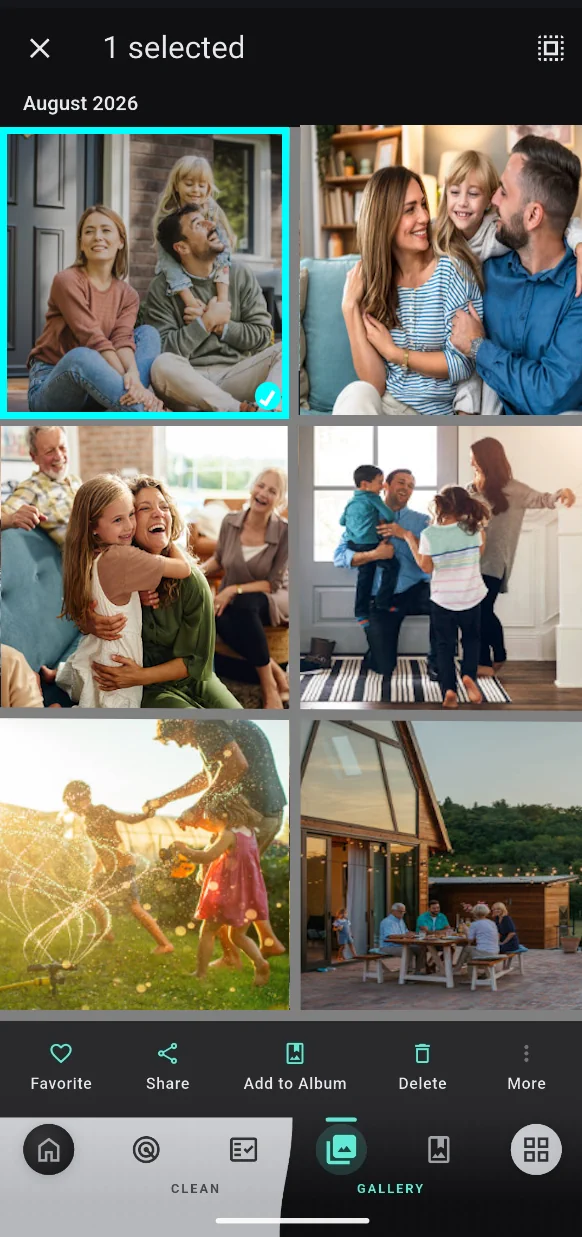
Browse by month, then long-press to select
Open Photos. Your library is grouped by month. Long-press a photo to enter selection — tap more to add them. The bar along the bottom is Favorite, Share, Add to Album, Delete, and More.
Favorite, share, album, or delete
Favorite keeps a heart on the shot. Share sends it out. Add to Album files it in a Purgli album. Delete moves it to the 30-day Recycle Bin — not gone for good.
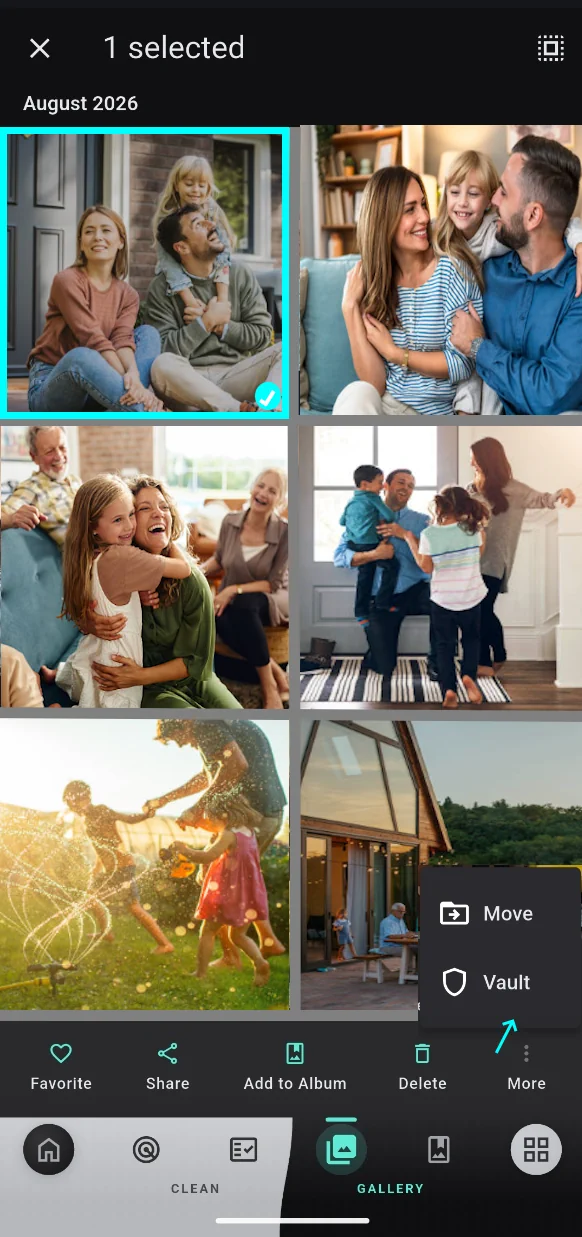
More: Move or Vault
Tap More. Move puts the selection in a Purgli or device album. Vault hides it behind your screen lock — adding to the Vault is Pro; opening and unvaulting stay free. Files never leave this phone.
Try Your Library, Sorted on your phone
Your Library, Sorted runs entirely on your device — no document or photo ever leaves your phone.
Coming soon on theApp StoreMore from Purgli
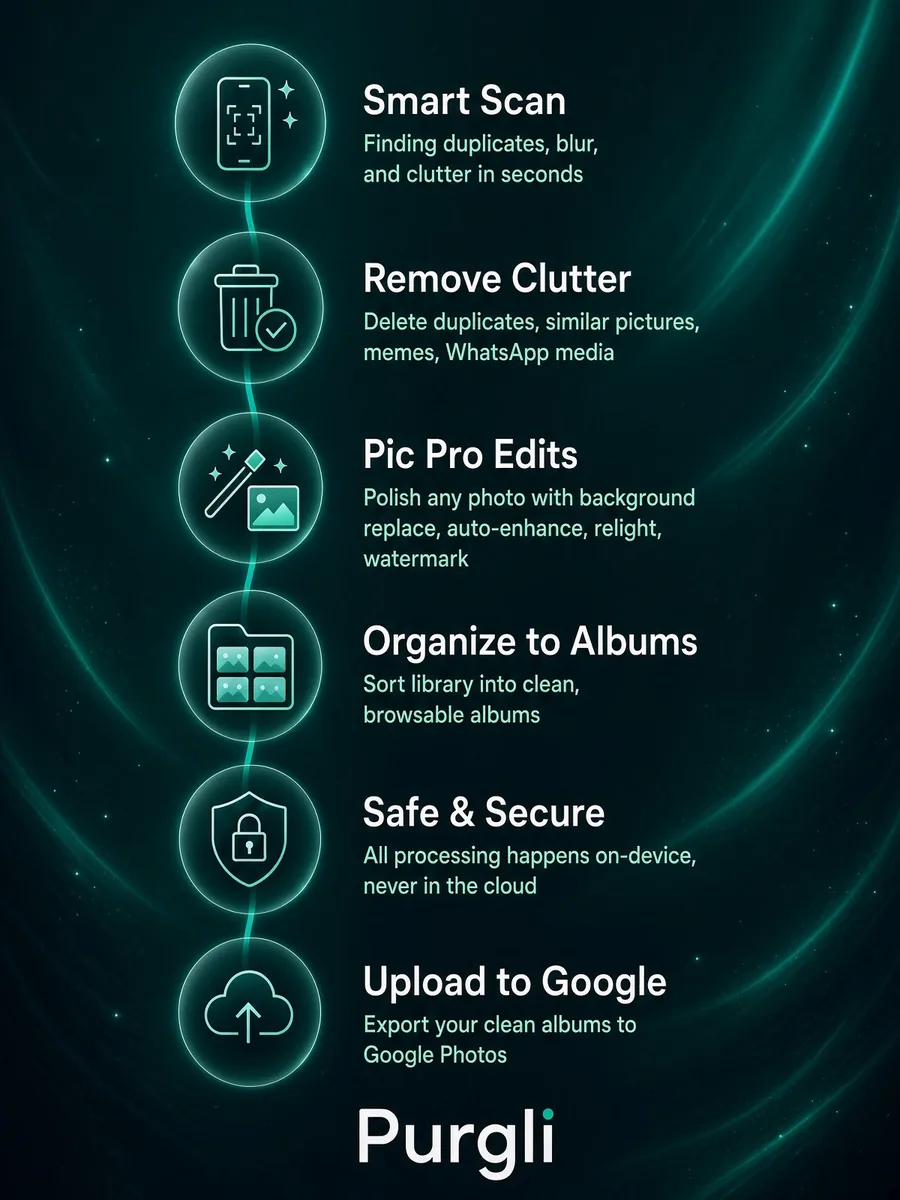
Your Photo Journey
Scan, clean, edit, and share. Everything happens on your device.
See how it works→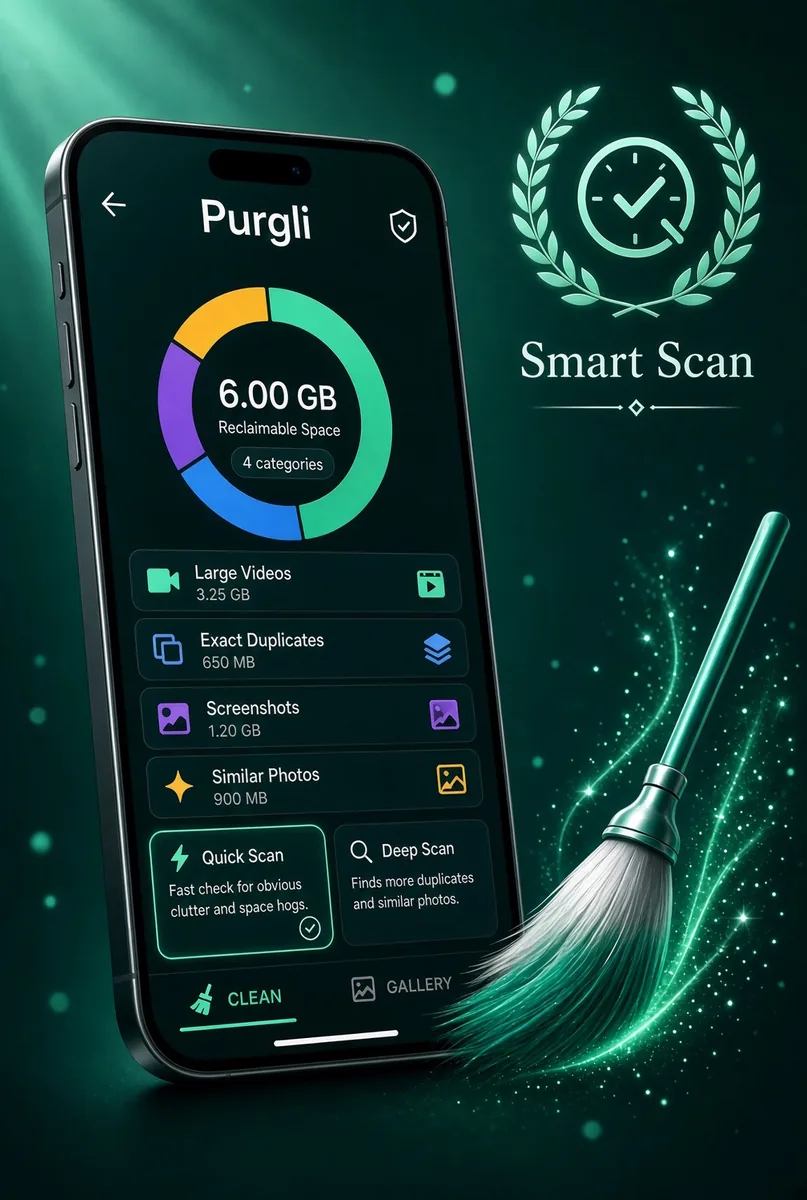
Smart Scan
Finds duplicates, blur, and clutter in seconds — all on this device.
See how it works→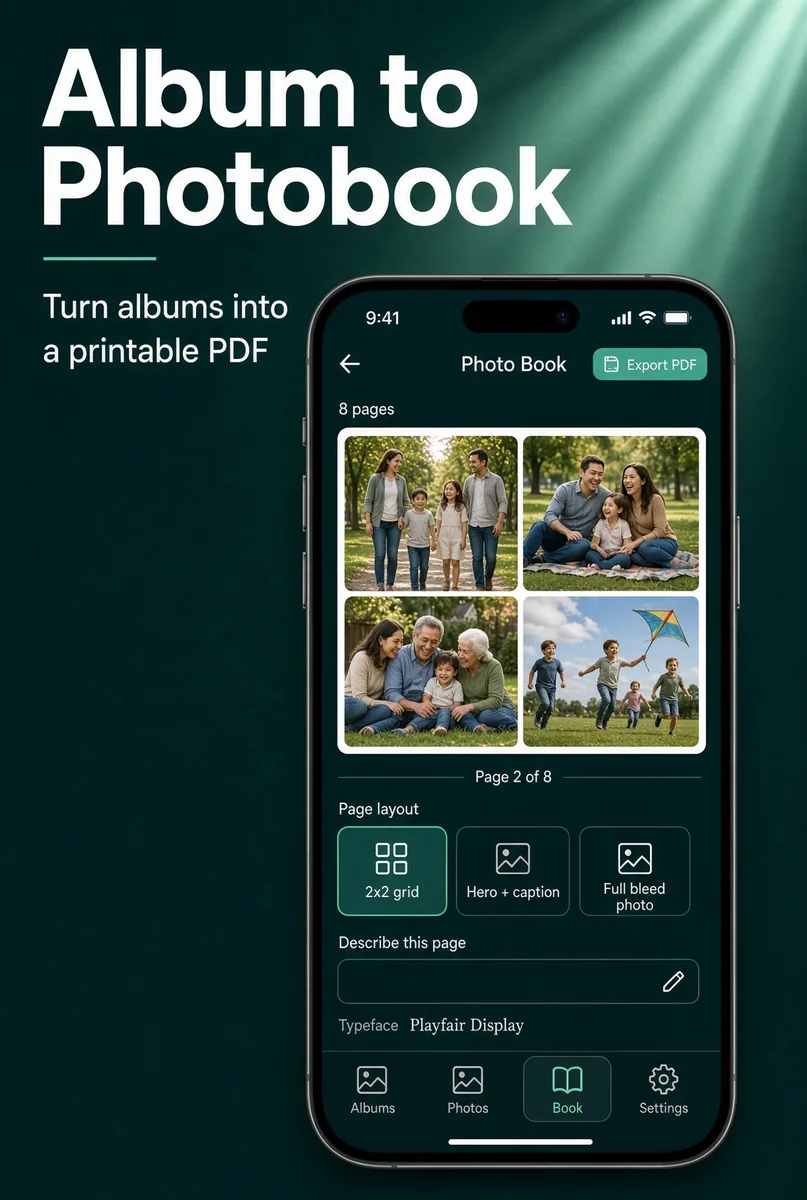
Photo Book Magic
Create beautiful photo books from your favorite memories.
See how it works→