
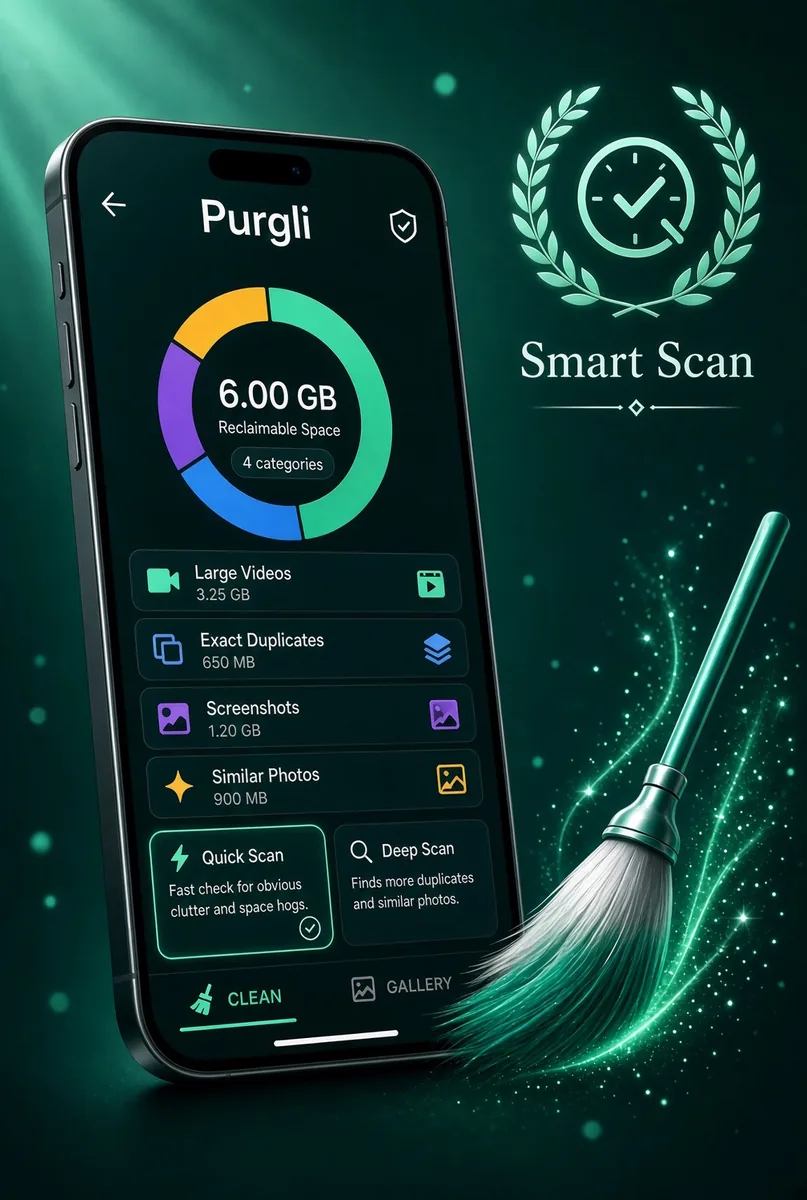
Smart Scan
Finds duplicates, blur, and clutter in seconds — all on this device.
In the app·Clean
 Coming soon on theApp Store
Walkthrough
Pick a depth. Watch the library score itself.
Quick Scan covers newest photos. Deep Scan runs every detection layer. Nothing is uploaded.
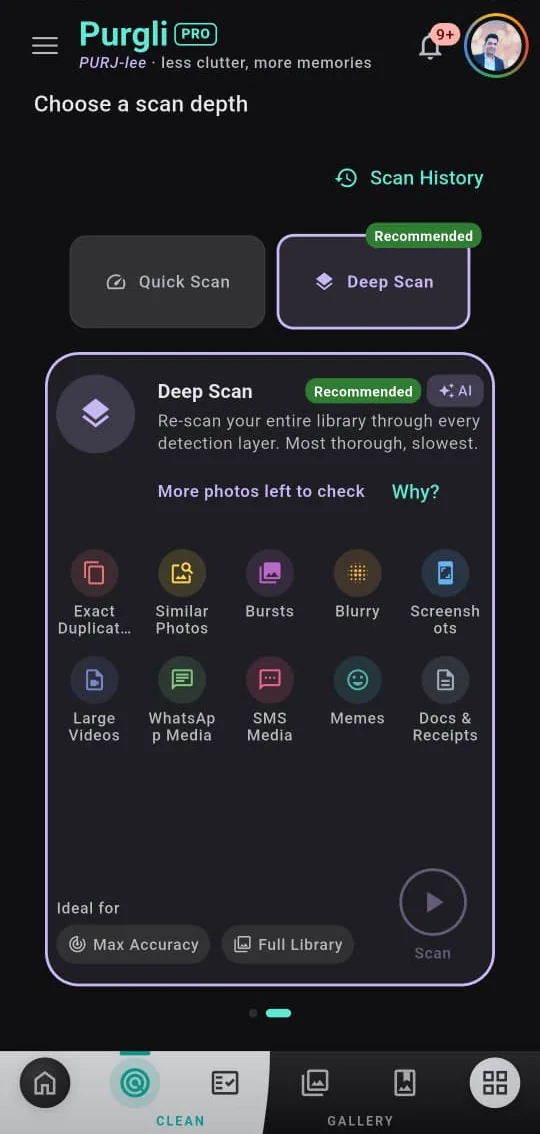
Choose Quick Scan or Deep Scan
Open the Clean tab. Quick Scan checks your newest photos for blur and duplicates — run it again to cover more. Deep Scan re-scans the whole library through every detection layer (duplicates, similar photos, bursts, blur, screenshots, large videos, WhatsApp/SMS media, memes, docs). It is recommended until most of the library has been checked. Tap Scan to start.
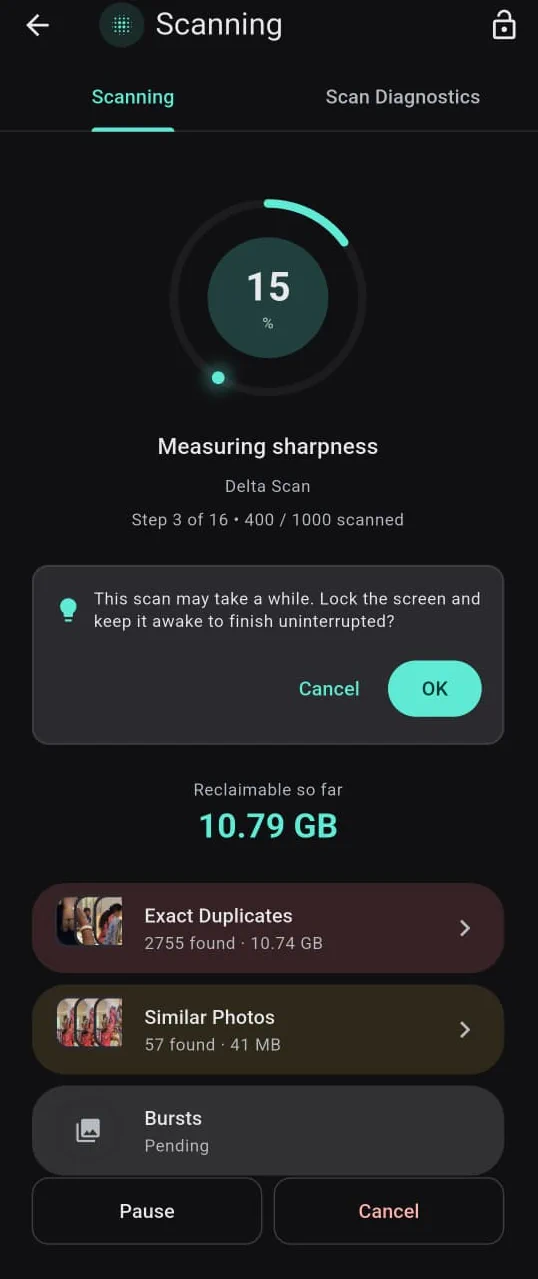
Watch reclaimable space tick up
The running screen shows the current stage, percent done, and live category counts. Reclaimable space grows as Exact Duplicates, Similar Photos, and the rest land. Pause or cancel anytime. For a long Deep Scan, you can lock the screen and keep it awake so the job finishes uninterrupted.
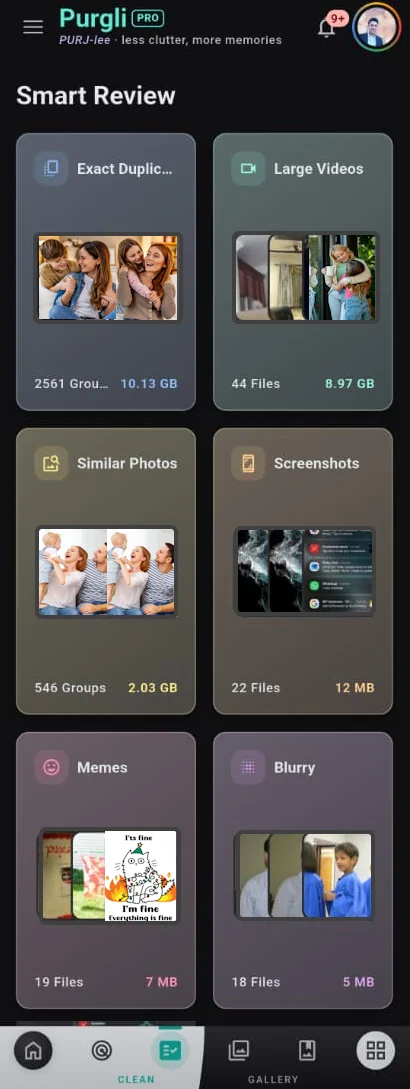
Review what it found
Open Smart Review. Cards show Exact Duplicates, Large Videos, Similar Photos, Screenshots, Memes, Blurry, and more — with counts and space you can reclaim. Tap a card to keep or bin. Scanning and browsing stay free. Exact duplicates, screenshots, and large videos can be cleaned for free; similar photos, blur, and memes open review or the paywall. Nothing is deleted for good until you empty the 30-day Recycle Bin.
Try Smart Scan on your phone
Smart Scan runs entirely on your device — no document or photo ever leaves your phone.
Coming soon on theApp StoreMore from Purgli
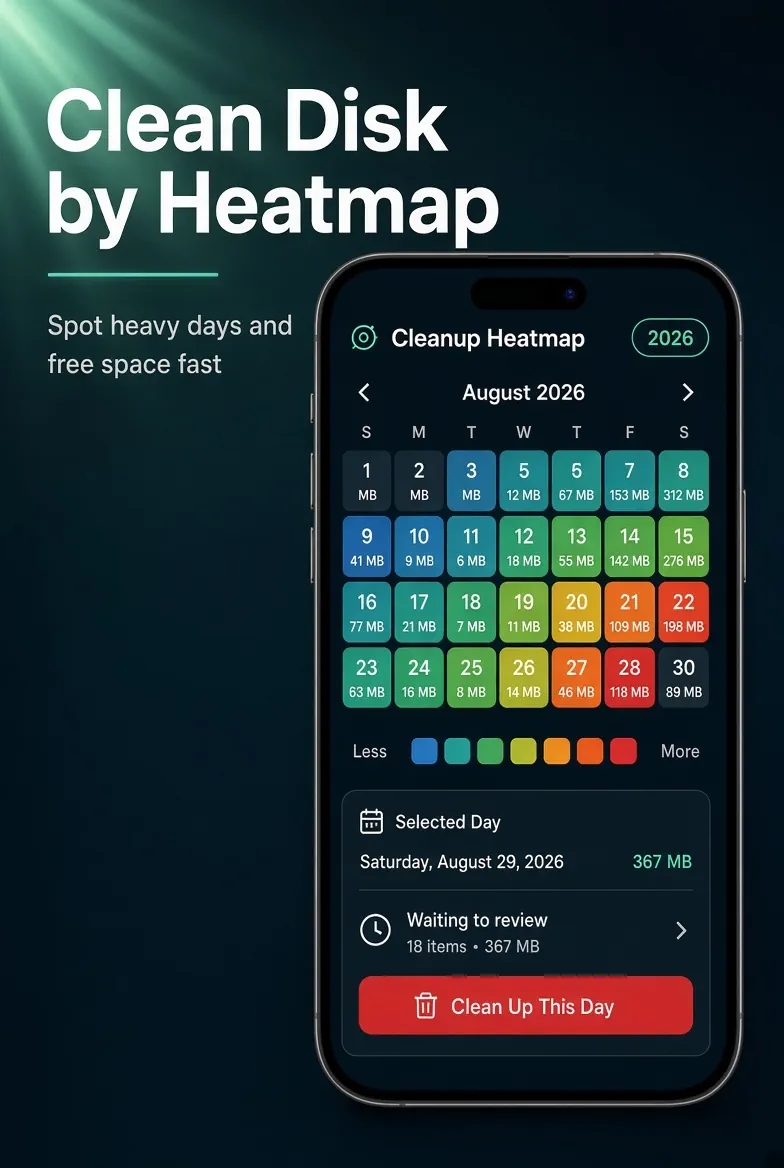
Clutter at a Glance
See which months piled up the most clutter, then clean by date.
See how it works→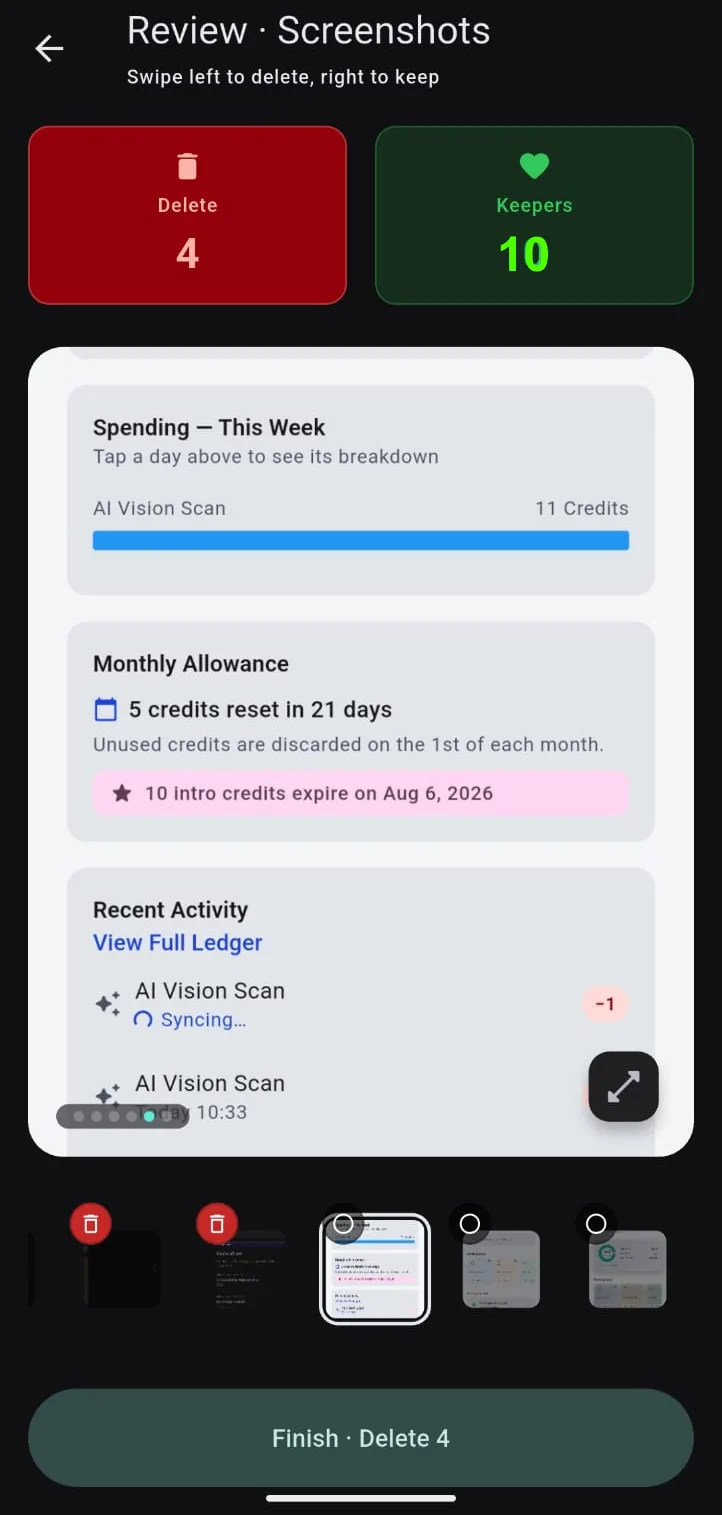
Swipe to Clean
Flick through clutter one photo at a time — keep or bin it, undo anytime.
See how it works→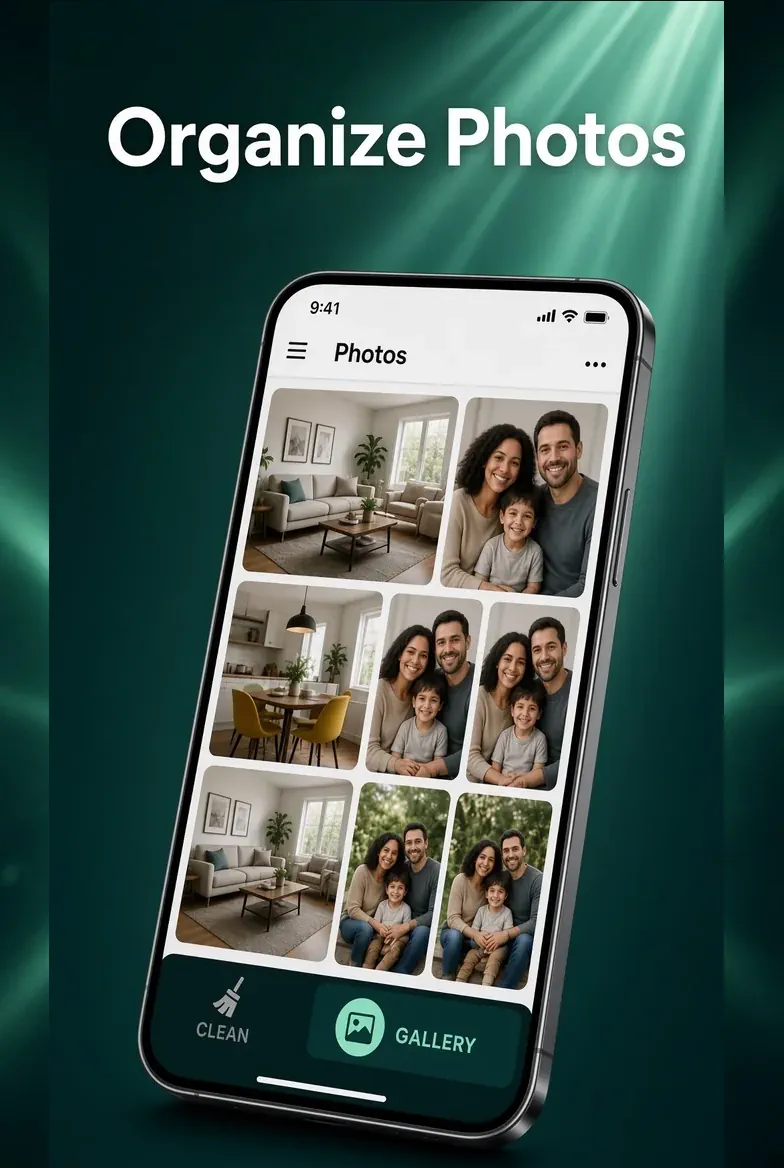
Your Library, Sorted
Sort your whole library into clean, browsable albums.
See how it works→